

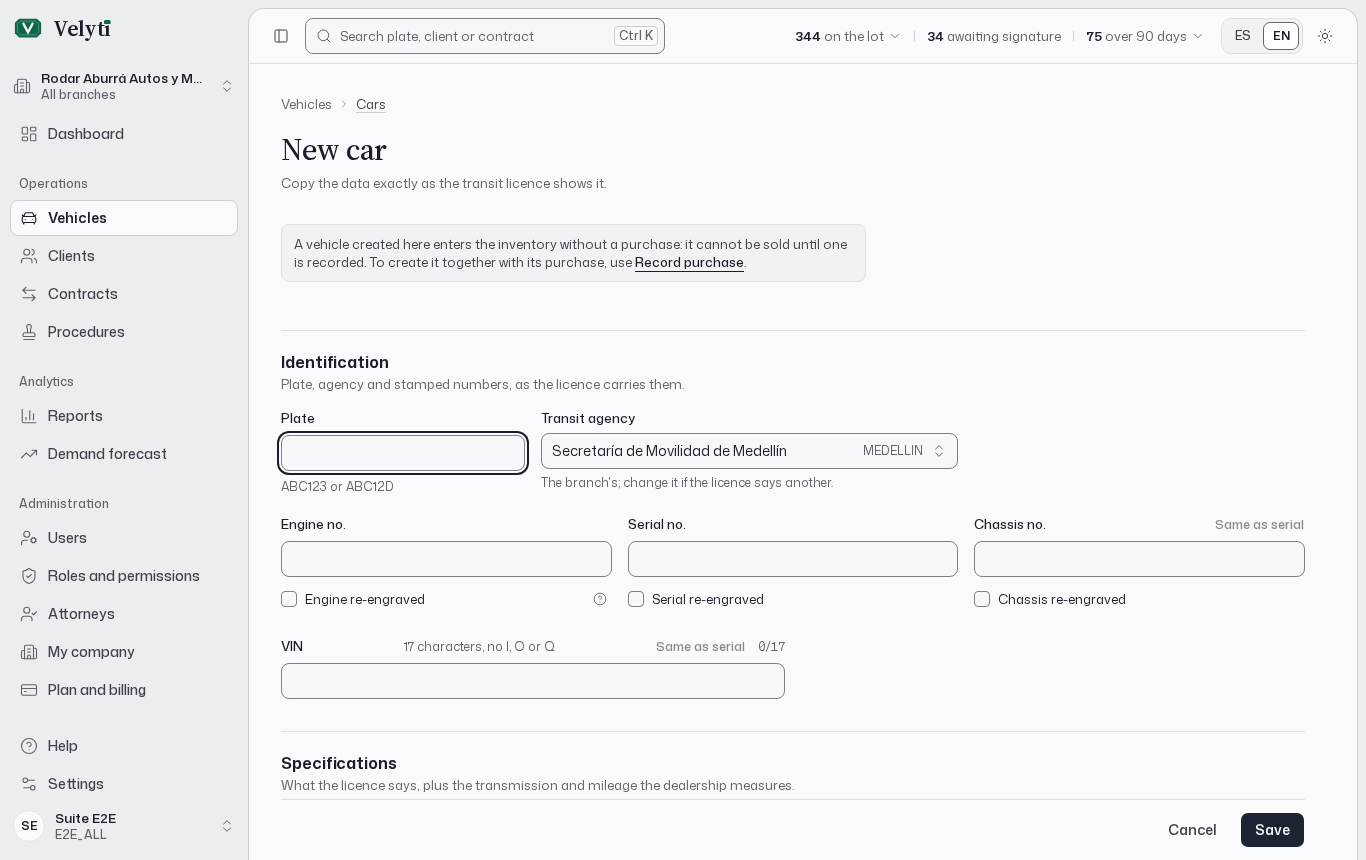
A vehicle record.
What you see
At the top, the summary shows the plate, the vehicle, its model year and its status, together with:- On the lot: days since arrival, and the next checkpoint (price review, price adjustment, management review, clearance).
- Margin on cost: the sale price against what it cost. For a sold vehicle the figure is marked realized, using the Realized sale price.
- Open transfer, when the vehicle was bought with an open transfer, with its due date in working days.
Special conditions (armour, its removal, import or auction) appear only when they apply.
Photos
Choose Add photos or drop them on the gallery. Photos must be JPG, PNG or WebP up to the size shown on screen. On a phone you can take a photo directly. To change the cover, open a photo and choose Use as cover. Delete photo removes one. Without photos, the history reminds you to add some. Uploading photos needs permission to create vehicles; changing the cover and deleting need the update and delete permissions.RUNT registration data
Copy the data exactly as the transit licence shows it. The record stores what the RUNT form needs: the Registered owner (section 21 of the RUNT form), the Transit agency that issued the licence, the numbers stamped on the vehicle and any special conditions. The platform uses this data to print the RUNT form and the contract, so a typo here reaches the documents. See Documents.Status
The status control in the summary changes the vehicle between Available, In use, In maintenance, In repair and Inactive. A toast offers Undo right after.
Sold is not chosen by hand: it is Set by the sale.
Alerts and limitations
Record a lien, seizure, theft report or other limitation exactly as the transit licence or the title history shows it. Choose Add alert and fill Kind, In favour of, NIT, Reference, Registered on and Notes.- Lift marks the alert as lifted, with the date and a note. It stays in the history and is no longer printed on new contracts.
- Delete removes it. If a contract uses it, deletion is refused: lift it instead.
Actions
Depending on your permissions, the record offers:- Record sale, unless the vehicle is sold. If it cannot be sold yet, a note says why: its purchase is missing, still pending, or a contract is in progress.
- Edit, to change any field.
- New transfer and Lien release, to start the procedures. See Procedures.
- Change branch, only between branches of the same legal entity and never for a sold vehicle. To move a vehicle to another legal entity you record a sale and a purchase between the two.
- Delete.