

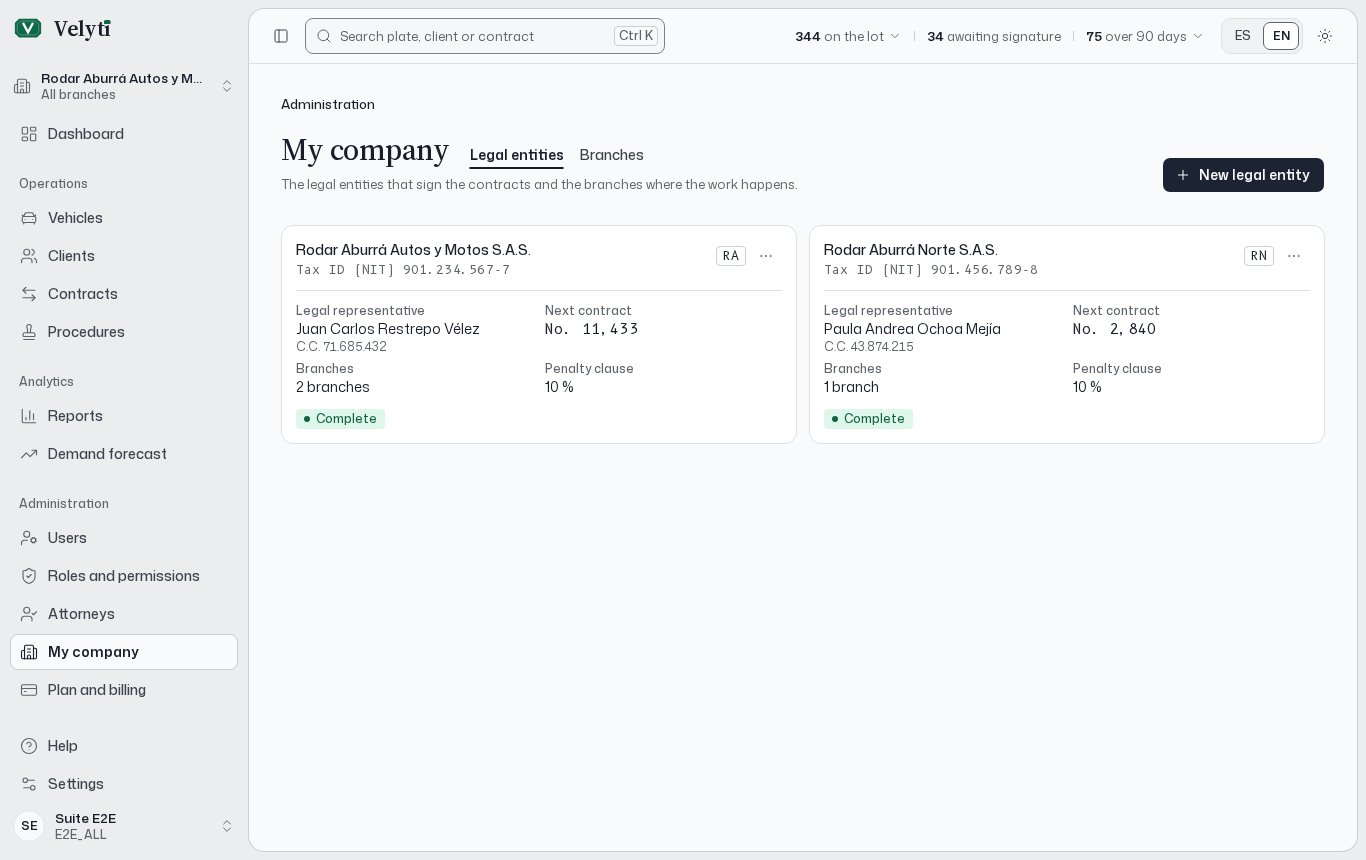
The My company page.
If your role can view these details but not change them, the page says Your role can view these details, not change them.
Legal entities
A legal entity is the company with a tax ID (NIT) that signs the contracts. Open the Legal entities tab and choose New legal entity.
What the app says about some of them:
- Trade name is printed in the contract header.
- Code is printed beside the contract numbers, as in “Sale No. 15 · RA”.
- The legal representative signs the contracts on behalf of the legal entity.
- Penalty clause is a percentage of the price. Each contract can change it. See “Penalty clause” in the Glossary.
- Next contract number only moves forward: an issued number is never repeated. A new legal entity numbers its contracts from 1.
Branches
A branch is where the vehicles are kept and the contracts are signed. Register the legal entity first, then open the Branches tab and choose New branch.
How they work:
- Legal entity signs the branch’s contracts. It cannot change once the branch has vehicles, contracts or procedures.
- Default transit agency is suggested when a vehicle is registered at this branch.
- Power of attorney city is where powers of attorney are granted, unless the procedure says otherwise.
- Each legal entity has one Principal branch. Its address stands for the legal entity on documents that have no branch of their own. Ticking the box moves the mark from the current principal branch, and the principal branch cannot change its legal entity until you make another one principal.