

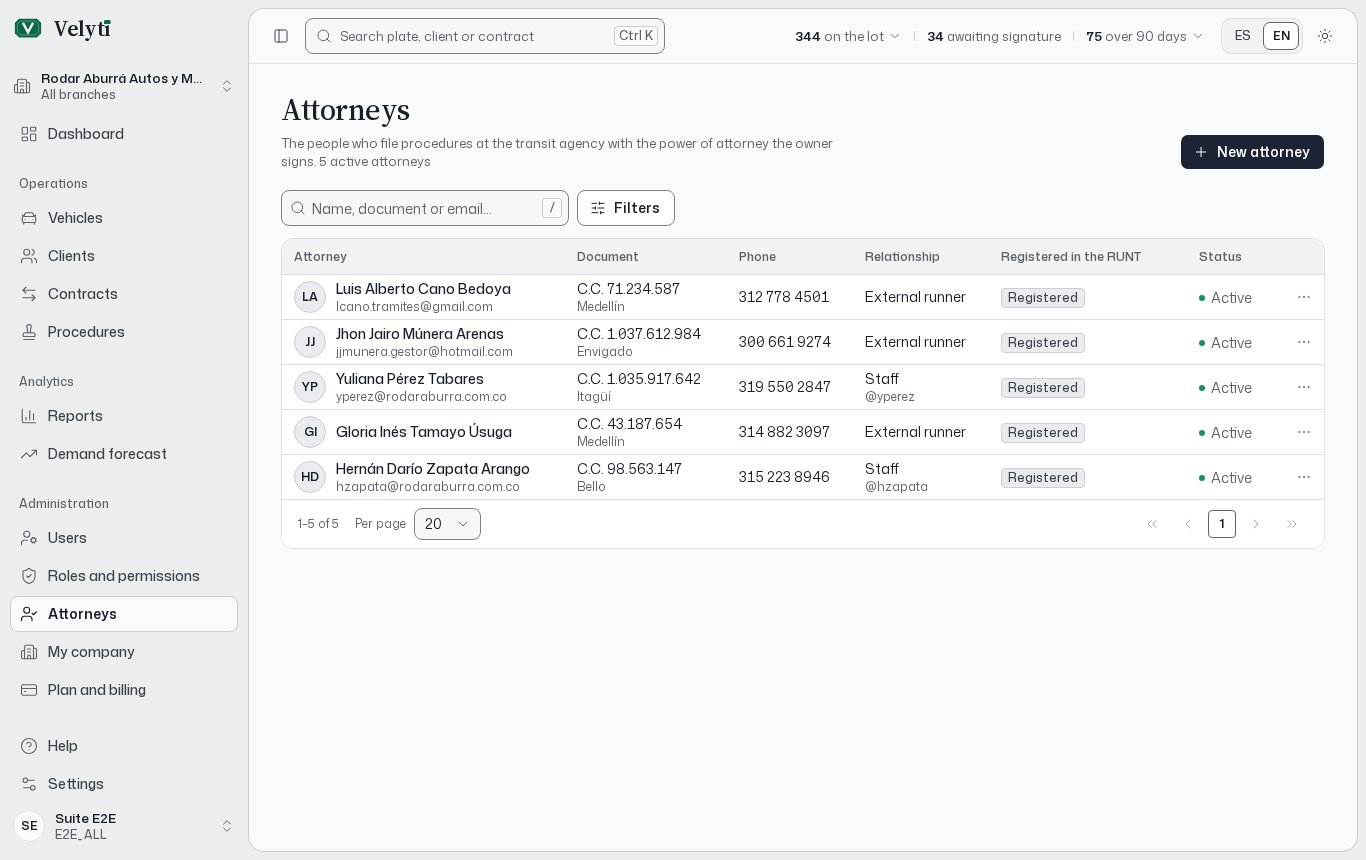
The Attorneys list.
The list
Filter by relationship, by RUNT registration and by status.
The transit agency only accepts procedures filed by people registered in the RUNT. If you choose an attorney marked Not registered, the procedure warns you.
Register an attorney
1
Open the form
Select New attorney. This button appears only if your role can create attorneys; see Users and roles.
2
Say whether they work for the dealership
Check Works for the dealership to link an employee. Pick their User: their details fill in the form. Check the place of issue of the document, which the account does not keep.
3
Complete identity and contact
Enter the identity and the Email and Phone. For an external runner, fill in everything yourself.
4
Mark RUNT registration
Turn on Registered in the RUNT if they are registered, and save.
Edit, deactivate or delete
Open the row’s actions menu, or the attorney itself, to Edit the data.- Deactivate stops offering the attorney when you pick who files a power of attorney. Activate offers them again.
- Delete only works for an attorney who appears on no power of attorney. Otherwise, deactivate them. Deleting cannot be undone.