

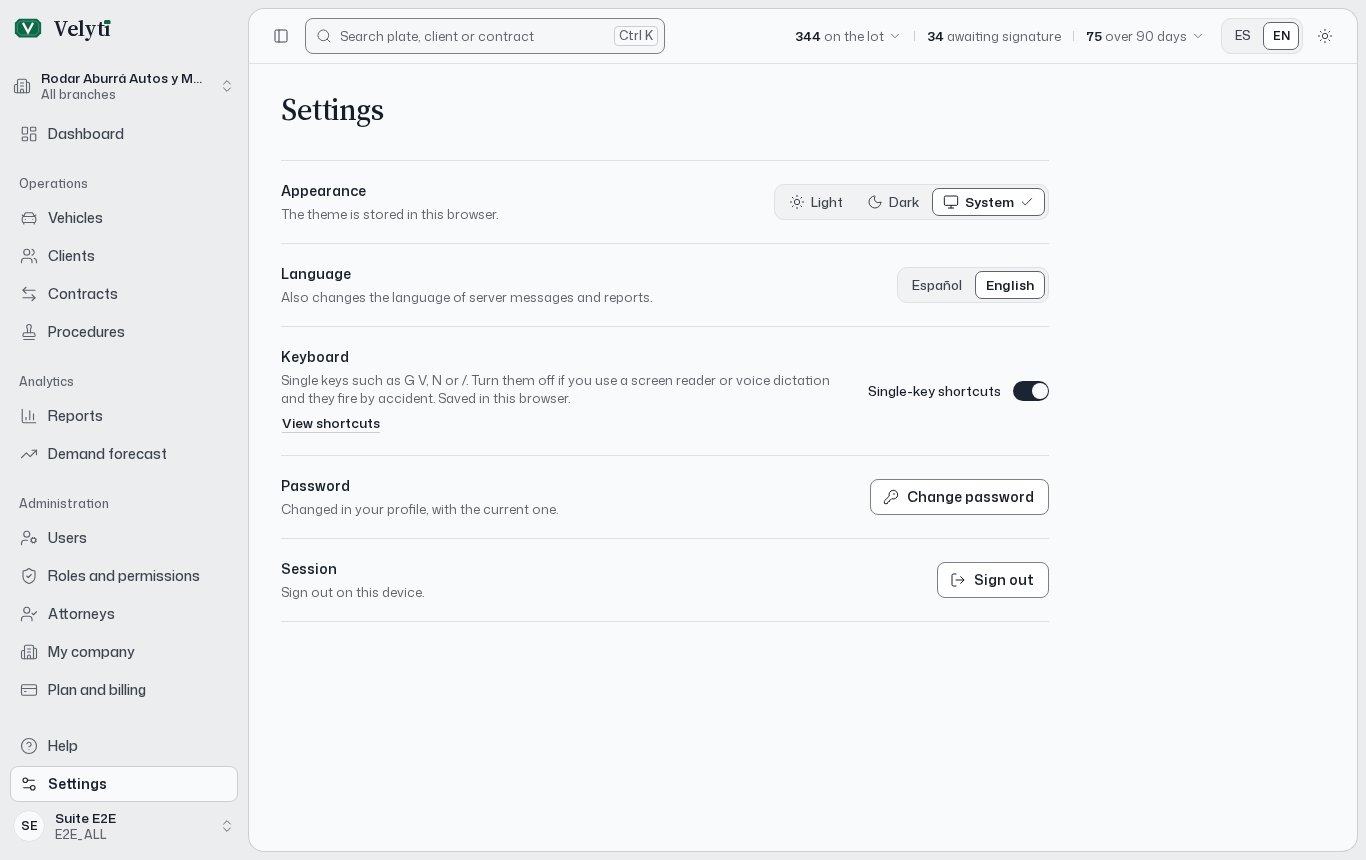
The Settings page.
My profile
My profile shows three blocks:- Account: the details of your sign-in account.
- Personal details: your name and contact details.
- Permissions: what your role allows you to do. They are granted by your role, and only an administrator can change them. Roles are assigned by an administrator too; see Users and roles.
Change your details or your password
1
Choose Edit my profile
You can change your contact details or your password.
2
Update the fields
To change the password, enter the New password and repeat it in Repeat the new password. It must be between 8 and 72 characters; a long phrase is safer. Leave it blank to keep the current one.
3
Confirm with your current password
Enter the Current password. It is only needed if you are changing your password.
4
Save
Choose Save.
Settings
Settings collects what depends on this browser or device.
If you turn the one-key shortcuts off, the ones that use Control keep working.
Appearance and keyboard are saved per browser, so on another computer or phone you set them again.